Building Long-Term AI Memory with Qdrant and Claude's MCP Server

Ever wished your AI assistant could actually remember things between conversations? Not just the current chat, but the architectural decisions you made three months ago, the patterns your team agreed on, or that obscure networking fix you discovered at 2 AM?
We built exactly that, a persistent, searchable long-term memory system for Claude using Qdrant as a vector database and the Model Context Protocol (MCP) as the glue. Think of it as a personal RAG (Retrieval-Augmented Generation) system that lives alongside your AI tooling. Here's how we set it up.
Why Long-Term Memory Matters
When you're managing 70+ Terraform modules, 22 Ansible roles a hole slew of playbooks, a sprawling Docker-based infrastructure combined with more than 180 pods running on Kubernetes, you accumulate a lot of institutional knowledge in a pretty short period of time:
- Architectural Decision Records (ADRs), why you chose S3-compatible MinIO over Consul for Terraform state
- Naming conventions,
{tenant}-{env}-{type}-{role}{nnn}and why that exact format - Patterns that work, how to wire up Vault AppRole auth across all your modules
- Patterns that don't work, the time you tried
force_path_stylewith the new AWS provider and spent half a day debugging
Without long-term memory, every new conversation with Claude starts from zero. You end up re-explaining context, re-sharing decisions, and watching Claude suggest approaches you've already tried and rejected.
With Qdrant-backed memory, Claude can recall all of this instantly through semantic search.
The Architecture
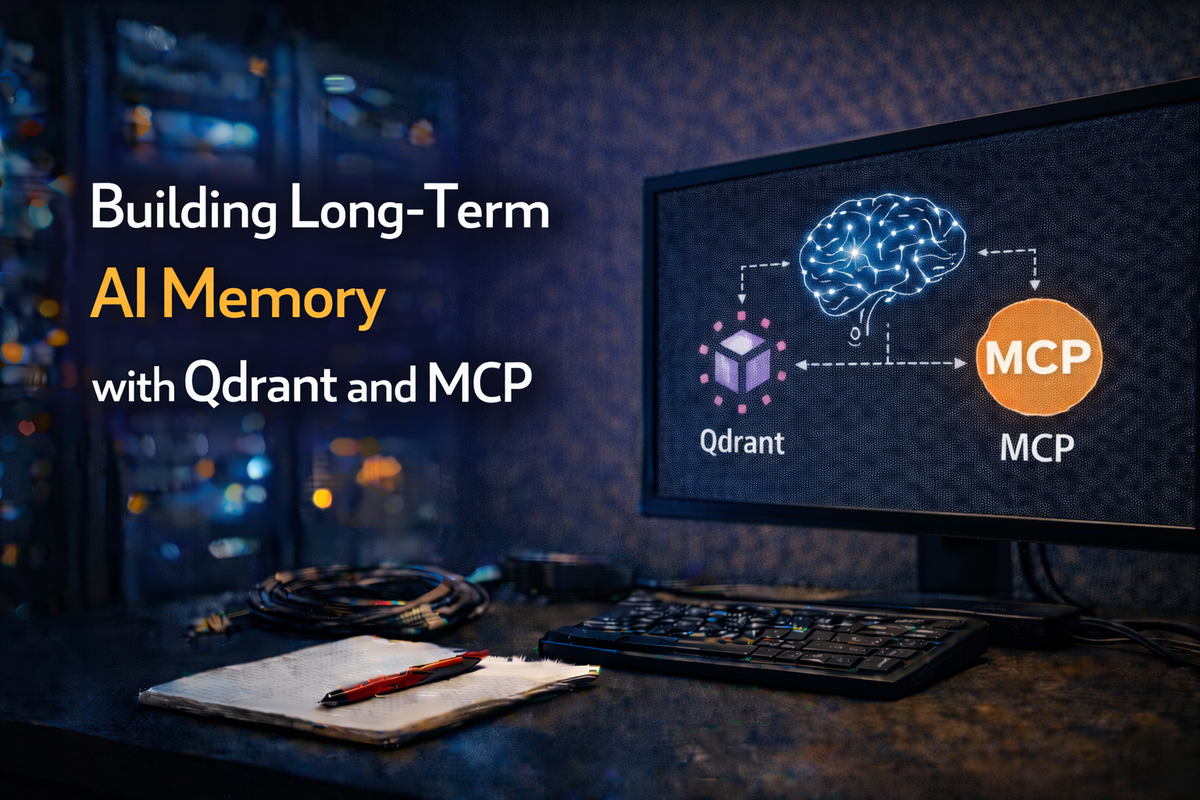
The setup is surprisingly simple:

Three components:
- Qdrant, an open-source vector database, self-hosted on our infrastructure at
qdrant.bsdserver.nl - mcp-server-qdrant, the official Qdrant MCP server that exposes
storeandfindtools to Claude - Claude (CLI or Desktop), configured to use the MCP server as a tool provider
The MCP server handles the entire RAG pipeline: embedding text with a sentence transformer model, storing vectors in Qdrant, and performing semantic similarity searches when retrieving.
Step 1: Deploy Qdrant
We run Qdrant as a Docker container on our infrastructure. A simple deployment looks like this:
services:
  qdrant:
    image: qdrant/qdrant:latest
    container_name: qdrant
    restart: always
    ports:
      - "6333:6333"   # REST API
      - "6334:6334"   # gRPC
    volumes:
      - qdrant_data:/qdrant/storage
    environment:
      - QDRANT__SERVICE__API_KEY=your-secure-api-key-here
      - QDRANT__SERVICE__ENABLE_TLS=false

volumes:
  qdrant_data:
In our case, Qdrant sits behind a reverse proxy (Traefik) that handles TLS termination, so the service itself doesn't need TLS. The API key secures access.
After starting the container, verify it's healthy:
curl https://qdrant.bsdserver.nl/healthz
# Returns: {"title":"qdrant - vectorass engine","version":"..."}
You don't need to create collections upfront, the MCP server handles that automatically.
Step 2: Install the MCP Server
The mcp-server-qdrant package is a Python-based MCP server published on PyPI. The easiest way to run it is via uvx (part of the uv Python package manager), which handles isolation automatically:
# Test it manually first
uvx mcp-server-qdrant
No installation step needed, uvx downloads and runs it in an isolated environment.
Step 3: Configure Claude
This is where the magic happens. Add the Qdrant MCP server to your Claude configuration.
For Claude Code (CLI)
Add to your project's .claude/settings.local.json or global settings:
claude mcp add qdrant-memory \
  --type stdio \
  -- uvx mcp-server-qdrant
Then set the required environment variables. Edit your Claude MCP config (.claude.json or via claude mcp add with env flags):
{
  "mcpServers": {
    "qdrant-memory": {
      "type": "stdio",
      "command": "uvx",
      "args": ["mcp-server-qdrant"],
      "env": {
        "QDRANT_URL": "https://qdrant.bsdserver.nl:443",
        "QDRANT_API_KEY": "your-api-key-here",
        "COLLECTION_NAME": "architectural-decisions",
        "EMBEDDING_MODEL": "sentence-transformers/all-MiniLM-L6-v2"
      }
    }
  }
}
For Claude Desktop
Add the same configuration to ~/Library/Application Support/Claude/claude_desktop_config.json (macOS) or the equivalent path on your OS.
Step 4: Choose Your Collection Strategy
The COLLECTION_NAME environment variable determines which Qdrant collection stores your memories. Think of collections as namespaces, you can have different ones for different purposes:
| Collection | Purpose |
|---|---|
architectural-decisions |
ADRs, design choices, patterns |
runbooks |
Operational procedures, incident responses |
project-notes |
Meeting notes, sprint decisions |
We started with a single architectural-decisions collection that stores everything from Terraform backend standardization decisions to Ansible role conventions. You can always split later.
Step 5: Choose Your Embedding Model
The EMBEDDING_MODEL setting determines how text gets converted to vectors. We use sentence-transformers/all-MiniLM-L6-v2 because:
- It's small and fast (~80MB) — runs locally without a GPU
- Produces 384-dimensional vectors — good balance of quality vs. storage
- Excellent for semantic similarity on technical content
- Downloaded automatically on first use via HuggingFace
For larger knowledge bases or more nuanced retrieval, consider all-mpnet-base-v2 (768 dimensions, better quality, ~420MB).
Step 6: Start Storing Knowledge
Once configured, Claude gains two new tools:
qdrant-store— Store a piece of information with metadataqdrant-find— Semantically search stored information
You can store knowledge conversationally:
"Remember that we standardized all Terraform modules to use emptybackend "s3" {}blocks with runtime-backend-configflags, replacing the old inline endpoint configuration."
Claude will use the qdrant-store tool to embed and persist this. Behind the scenes:
- The text is embedded into a 384-dimensional vector using the sentence transformer
- The vector + original text + metadata are stored in the Qdrant collection
- A unique ID is generated for later retrieval
Step 7: Retrieve Knowledge
In future conversations, Claude can search your knowledge base semantically:
"How do we handle Terraform state backend configuration?"
Claude uses qdrant-find to search, and Qdrant returns the most semantically similar entries, even if the exact words don't match. It understands that "state backend configuration" relates to your stored note about "empty backend blocks with runtime -backend-config flags."
This is the power of vector search over keyword search: meaning matters more than exact wording.
How It Works in Practice
Here's a real example from our workflow. We stored an architectural decision about Vault authentication:
"All Terraform modules must use AppRole authentication with Vault. The role_id and secret_id are injected via CI/CD pipeline variables, never hardcoded. The toolkit's _vault.sh library handles authentication automatically."
Weeks later, when working on a new module, we asked Claude:
"How should this module authenticate to Vault?"
Claude searched the vector DB, found the relevant decision, and applied it correctly — without us having to re-explain the pattern.
Production Tips
1. Be specific when storing. Vague memories produce vague results. Instead of "we use Vault," store "We authenticate to Vault using AppRole method. The CI/CD pipeline injects VAULT_ROLE_ID and VAULT_SECRET_ID as environment variables. The toolkit's _vault.sh library handles the auth flow."
2. Include the why, not just the what. "We chose MinIO over Consul for Terraform state because MinIO provides S3-compatible API, supports versioning for state file history, and integrates with our existing backup infrastructure" is far more useful than "we use MinIO for state."
3. Store negative decisions too. "We evaluated Terraform Cloud but rejected it because our air-gapped environments can't reach HashiCorp's SaaS, and self-hosted Terraform Enterprise licensing was prohibitive for our scale" prevents revisiting dead-end discussions.
4. Periodically review and prune. Outdated decisions create confusion. If you've migrated from force_path_style to use_path_style, update the stored memory to reflect current reality.
5. Secure your API key. The Qdrant API key grants full access to read and write memories. Treat it like any other credential, rotate periodically and don't commit it to version control.
The Bigger Picture
This Qdrant + MCP setup is one piece of our broader AI-augmented infrastructure management stack:
- Qdrant for long-term memory (architectural decisions, patterns)
- Gitea MCP for direct repository access
- Vault MCP for secrets management
- Docker MCP for container operations
- n8n MCP for workflow automation
- Ansible MCP for infrastructure automation
- Terraform MCP for Iac code
Each MCP server gives Claude domain-specific capabilities, and the vector database ties it all together with persistent memory. The result is an AI assistant that actually understands your infrastructure, not just generically, but your specific infrastructure, with all its decisions, conventions, and hard-won lessons.
Wrapping Up
Setting up long-term AI memory with Qdrant took us about 30 minutes: deploy a container, configure an MCP server, and start storing. The ongoing value is enormous, every architectural decision, every debugging insight, every convention gets preserved and is instantly retrievable through natural language.
If you're managing complex infrastructure and find yourself repeatedly explaining the same context to AI tools, a vector database-backed memory system is the single highest-leverage improvement you can make. Your future self (and your team) will thank you.