Mastering LVM: Physical Volumes, Volume Groups, and Advanced Operations

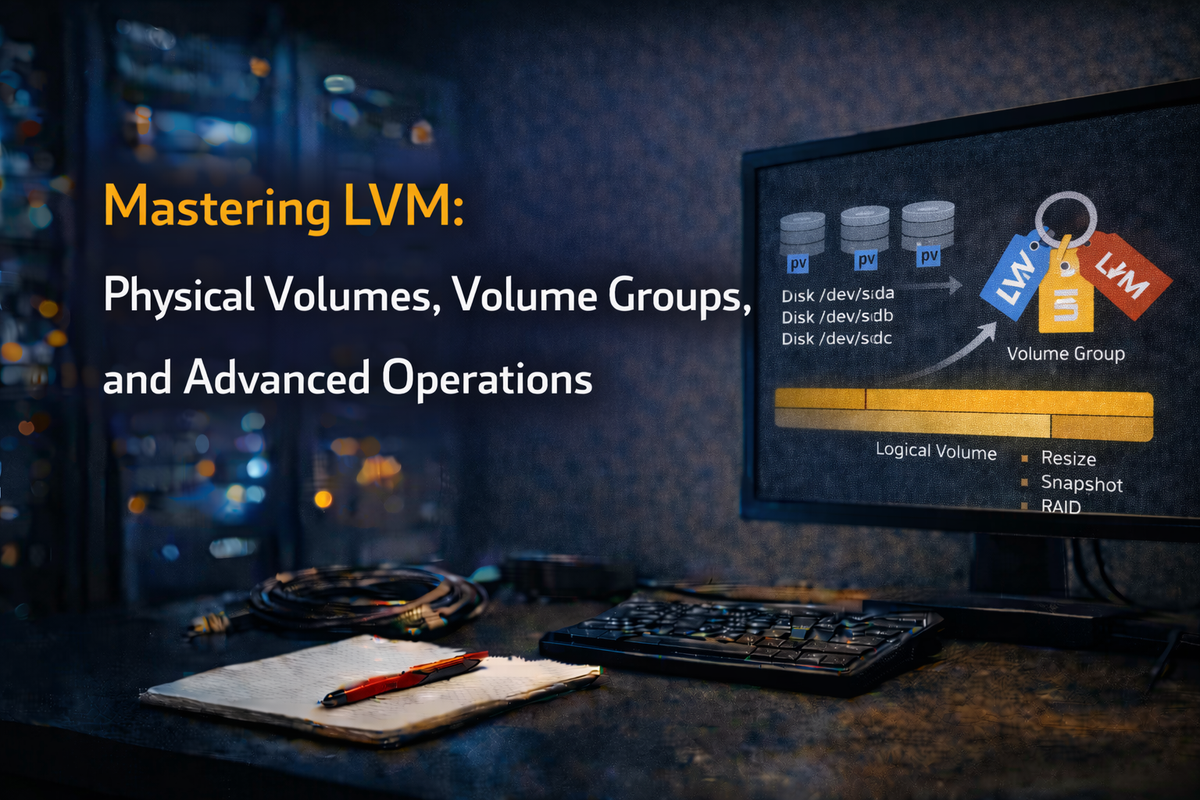
Running out of space on your Linux VM? No problem—LVM (Logical Volume Manager) and VMware vSphere make disk resizing straightforward. In this post, I'll walk you through the process of resizing LVM-managed disks, focusing on adding capacity to an existing disk in a vSphere environment.
Why Use an Unpartitioned Disk in LVM?
When managing storage with LVM, you have the flexibility of adding either a partition or an entire disk to a volume group (VG). Adding an unpartitioned disk can make things simpler.
Pros:
- Simplicity: No partition management means fewer steps
- Full Disk Utilization: No wasted space
- Efficiency: Adding capacity is much faster
Cons:
- Portability: Moving a raw disk might be tricky
- Compatibility: Backup tools often expect partition tables
Step-by-Step Guide to Resizing an LVM Disk in vSphere
Step 1: Resize the Disk in vSphere
- Log in to vSphere client
- Edit VM settings and increase disk size
- Save changes
Step 2: Rescan the Disk in the VM
echo 1 > /sys/class/scsi_device/0:0:0:0/device/rescan
Step 3: Verify the Disk Size
lsblk
Step 4: Extend the Physical Volume
pvcreate /dev/sdb
Step 5: Add the PV to a Volume Group
vgextend <vg_name> /dev/sdb
Step 6: Verify and Expand
vgdisplay
lvresize -r -L +100G /dev/my_volume_group/my_logical_volume
Migrating Data Between Physical Volumes
Use pvmove to migrate data:
pvmove /dev/sdb /dev/sdc
vgreduce my_volume_group /dev/sdb
pvremove /dev/sdb
Backing Up Volume Group Configuration
vgcfgbackup my_volume_group
vgcfgrestore my_volume_group
Moving LVM PVs Between Machines
umount /mnt/my_logical_volume
vgchange -an my_volume_group
vgexport my_volume_group
# Move LUNs to destination
vgimport my_volume_group
vgchange -ay my_volume_group
mount /dev/my_volume_group/my_logical_volume /mnt/my_logical_volume
Using vgimportclone for Cloned VGs
vgimportclone -n new_volume_group_name /dev/sdX
Splitting a Volume Group
vgsplit my_volume_group new_volume_group lv_name1 lv_name2
Checking VG Metadata
vgck my_volume_group
Conclusion
Resizing LVM disks in VMware vSphere is straightforward. Whether using entire unpartitioned disks or partitions, each approach has advantages. LVM provides powerful tools for migrating data, backing up configurations, and moving storage between machines.



