Provisioning TLS Certificates with Traefik, cert-manager, and ACME-DNS in Kubernetes

Introduction
In a Kubernetes environment, having a robust and secure ingress controller is critical to properly route traffic to your applications. Traefik is a popular choice for its simplicity and feature set. However, when you need to automate certificate management across many services, cert-manager shines. Finally, if you lack full DNS zone control or want a more locked-down approach to DNS challenges, ACME-DNS can be crucial.
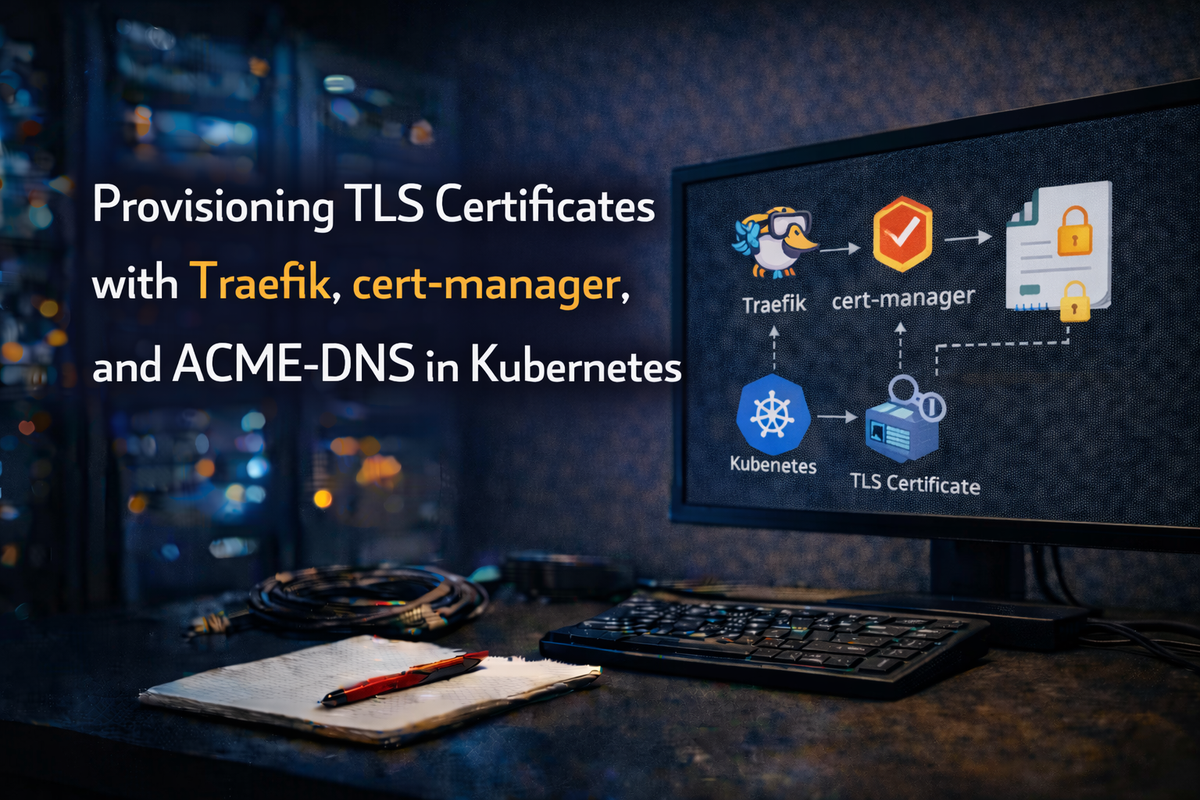
In this post, we'll detail the entire process of installing and configuring:
- Traefik as our ingress controller
- cert-manager to manage and issue SSL certificates
- ACME-DNS to handle DNS-01 challenges without exposing the entire DNS zone
- DNS Delegation setup for ACME-DNS
1. Installing Traefik
Why Traefik?
- Simplicity: Simple configuration model with automatic service discovery
- Dynamic Configuration: Supports configuration changes without restarts
- Compatibility: Works with standard Ingress objects and custom CRDs
Installing via Helm
helm repo add traefik https://helm.traefik.io/traefik
helm repo update
kubectl create namespace traefik
helm install traefik traefik/traefik --namespace traefik --set service.type=LoadBalancer
Verifying Installation
kubectl get pods -n traefik
kubectl get svc -n traefik
2. Installing cert-manager
Why cert-manager?
- Automation: Handles certificate issuance and renewal via ACME protocol
- Integration: Works with multiple DNS providers with built-in Kubernetes CRDs
Using Helm
helm repo add jetstack https://charts.jetstack.io
helm repo update
kubectl create namespace cert-manager
helm install cert-manager jetstack/cert-manager --namespace cert-manager --set installCRDs=true
Verify Installation
kubectl get pods -n cert-manager
3. Installing ACME-DNS
Why ACME-DNS?
Sometimes you don't have direct control over an entire DNS zone or prefer not to give cert-manager DNS provider credentials. ACME-DNS is a small DNS server that only handles ACME DNS-01 challenges.
Deploy in Kubernetes
apiVersion: apps/v1
kind: Deployment
metadata:
  name: acme-dns
  namespace: acme-dns
spec:
  replicas: 1
  selector:
    matchLabels:
      app: acme-dns
  template:
    metadata:
      labels:
        app: acme-dns
    spec:
      containers:
      - name: acme-dns
        image: joohoi/acme-dns:latest
        ports:
          - containerPort: 53
            protocol: UDP
          - containerPort: 53
            protocol: TCP
        env:
          - name: ACME_DNS_API_DOMAIN
            value: "auth.example.com"
4. DNS Configuration for Subdomain Delegation
cert-manager needs to create a TXT record (e.g., _acme-challenge.example.com) to prove ownership. We delegate just a subdomain to ACME-DNS.
Steps to Delegate
Point auth.example.com to ACME-DNS:
auth.example.com. IN A <PUBLIC_IP_OF_ACME_DNS>
In your main DNS, create an NS record:
_acme-challenge.example.com. IN NS auth.example.com.
5. Configuring cert-manager for ACME-DNS
Create a ClusterIssuer referencing your ACME-DNS credentials:
apiVersion: cert-manager.io/v1
kind: ClusterIssuer
metadata:
  name: letsencrypt-acmedns
spec:
  acme:
    server: https://acme-v02.api.letsencrypt.org/directory
    email: your-email@example.com
    privateKeySecretRef:
      name: acmedns-issuer-account-key
    solvers:
    - dns01:
        acmeDNS:
          host: https://auth.example.com
          accountSecretRef:
            name: acmedns-secret
            key: account.json
Requesting a Certificate
apiVersion: cert-manager.io/v1
kind: Certificate
metadata:
  name: example-com-tls
  namespace: default
spec:
  secretName: example-com-tls-secret
  issuerRef:
    name: letsencrypt-acmedns
    kind: ClusterIssuer
  dnsNames:
  - example.com
6. Using TLS in Traefik
Reference the certificate secret in a standard Kubernetes Ingress:
apiVersion: networking.k8s.io/v1
kind: Ingress
metadata:
  name: example-com-ingress
  annotations:
    kubernetes.io/ingress.class: traefik
spec:
  tls:
    - hosts:
      - example.com
      secretName: example-com-tls-secret
  rules:
    - host: example.com
      http:
        paths:
          - path: /
            pathType: Prefix
            backend:
              service:
                name: my-service
                port:
                  number: 80
Conclusion
With Traefik, cert-manager, and ACME-DNS properly configured, you have a powerful and secure way to handle ingress and certificates in Kubernetes:
- Traefik manages traffic routing
- cert-manager automates issuance and renewals
- ACME-DNS securely solves DNS-01 challenges with minimal DNS zone exposure
This approach is especially beneficial in environments where domain ownership is limited, or you prefer to limit exposure of your main DNS zone. Happy automating!



